
Bank with clarity, control, and confidence.
Modern everyday banking with elegant digital tools, strong security, and faster access to the accounts that matter most.
Start with the right product
Choose the accounts and tools that match how you manage money each day.
Shield Checking
Everyday spending with alerts, debit controls, and fast transfers.
Vault Savings
Goal-based savings with automation and progress visibility.
Summit Credit
Card options with digital controls and statement access.
ClearPath Borrowing
Borrowing options with clear terms and online access.
Banking built around how you use money
Choose the products that fit your day-to-day needs, long-term goals, and financial priorities.
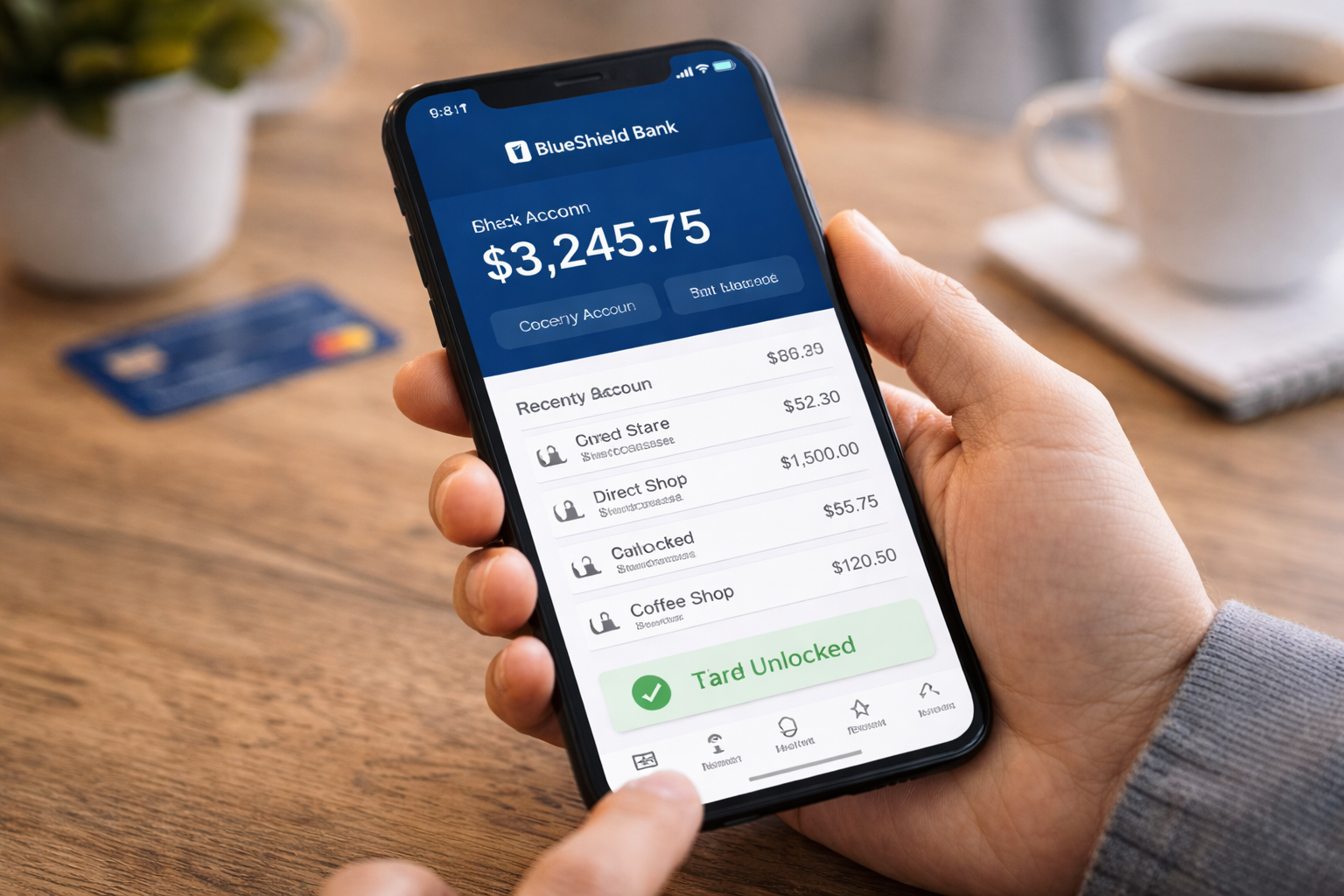
Shield Checking
Everyday access with bill pay, debit controls, and tools to help you stay on top of spending.
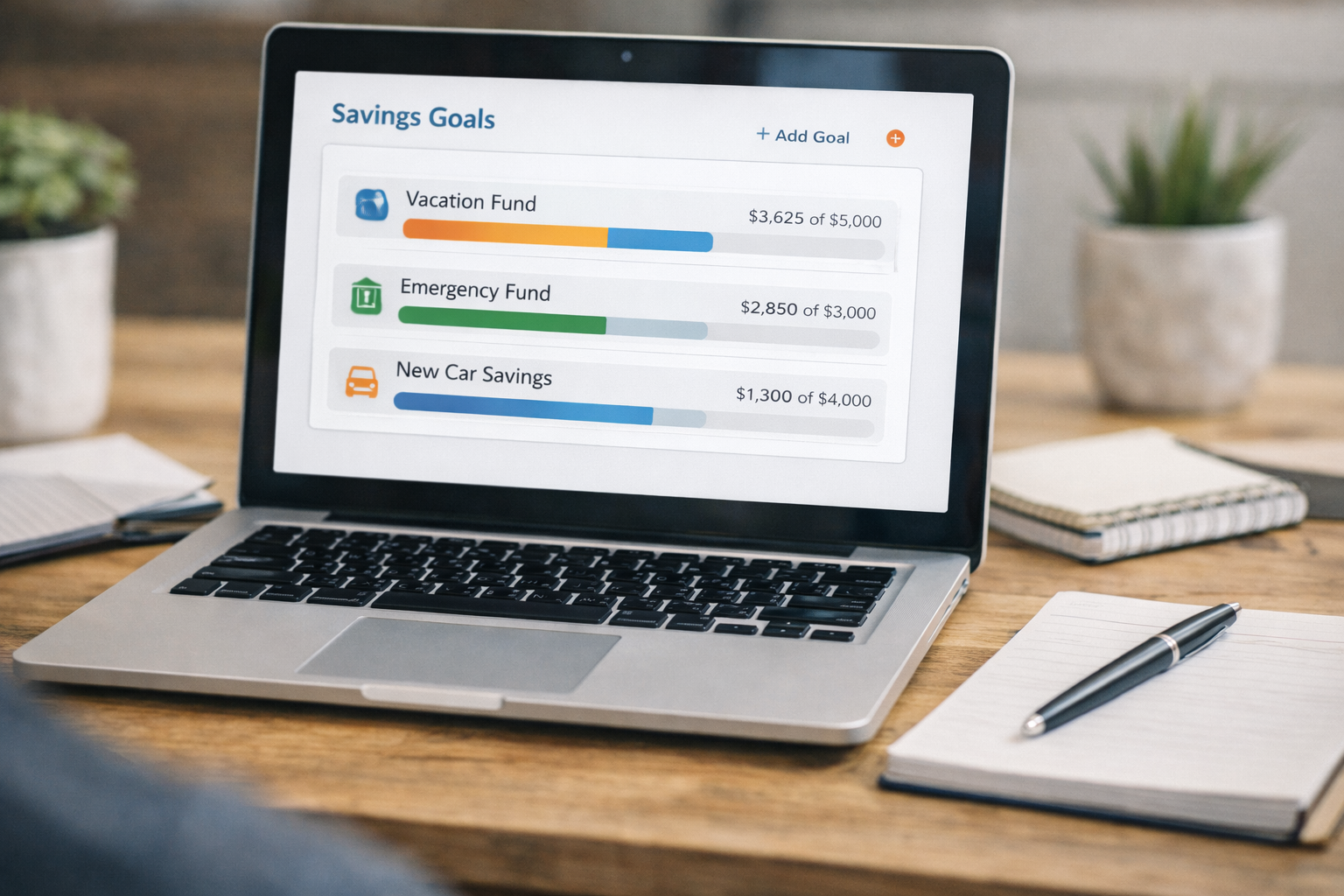
Vault Savings
Goal-based savings with automation options and a clear view of progress.

Summit Credit
Credit card options with account alerts, digital controls, and statement visibility.
Why customers choose BlueShield Bank
Everyday banking tools designed for clarity, confidence, and control.
Digital-first access
Manage accounts across mobile and online banking.
Straightforward tools
Clear account views and practical actions.
Real-time visibility
Balances and activity stay up to date.
Security focus
Verification steps and account controls.
Human support
Guided help through secure channels.
Modern experience
Designed for how customers bank today.
A better everyday banking experience
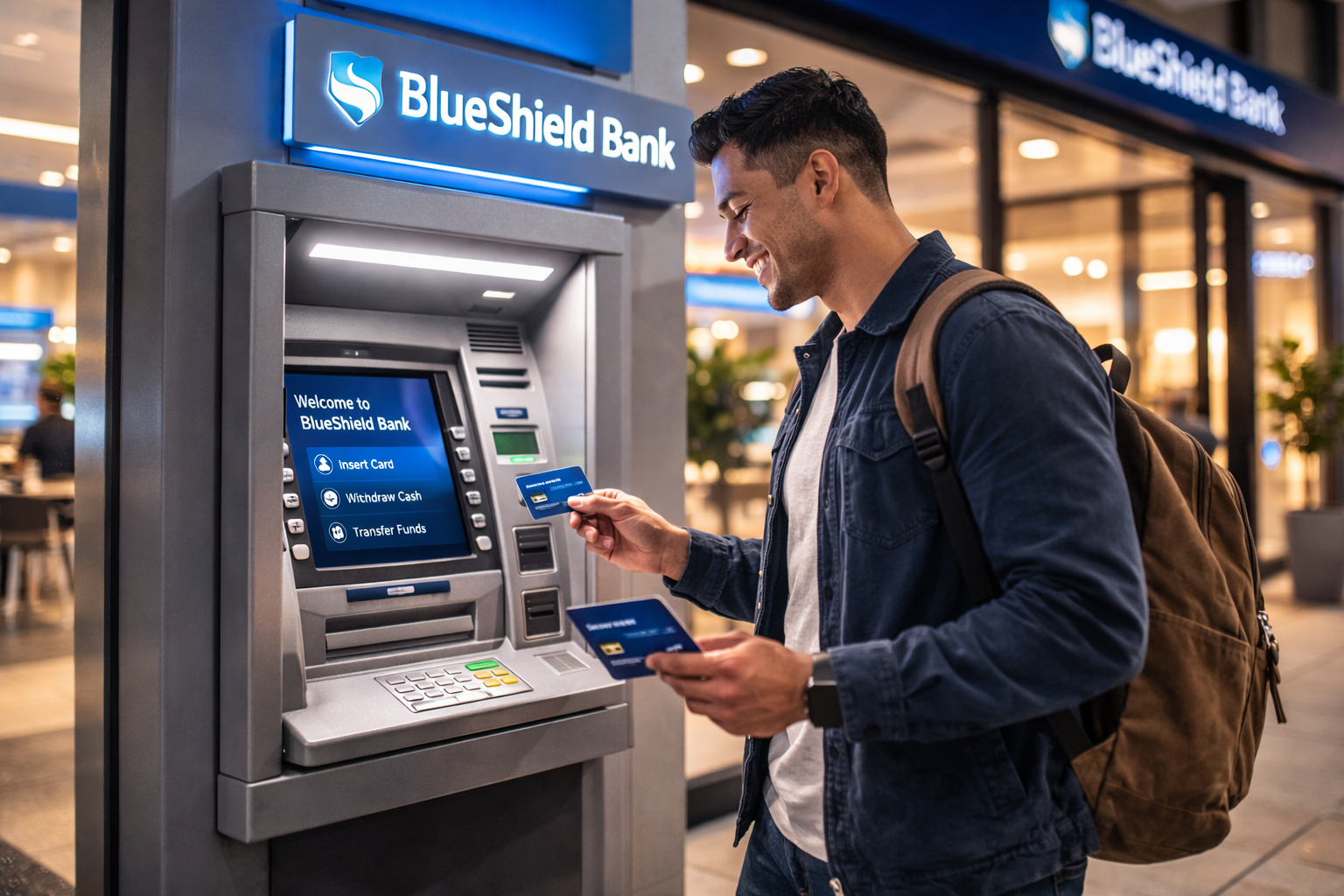
Digital-first convenience
Check balances, review activity, and move money from anywhere.
Straightforward tools
Clear account views, practical actions, and quick access to what matters most.
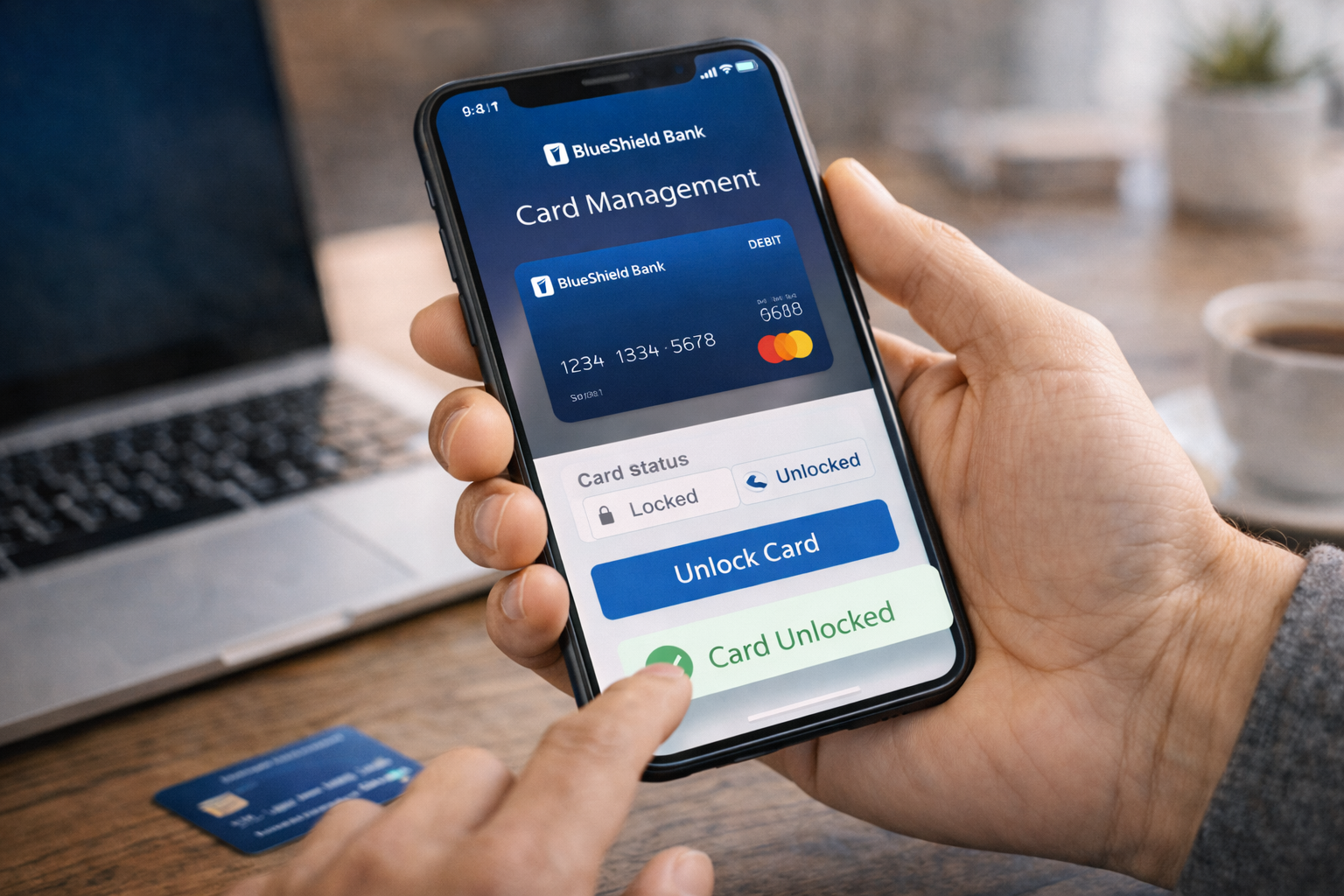
Visible security
Alerts, verification steps, and account controls help keep activity protected.

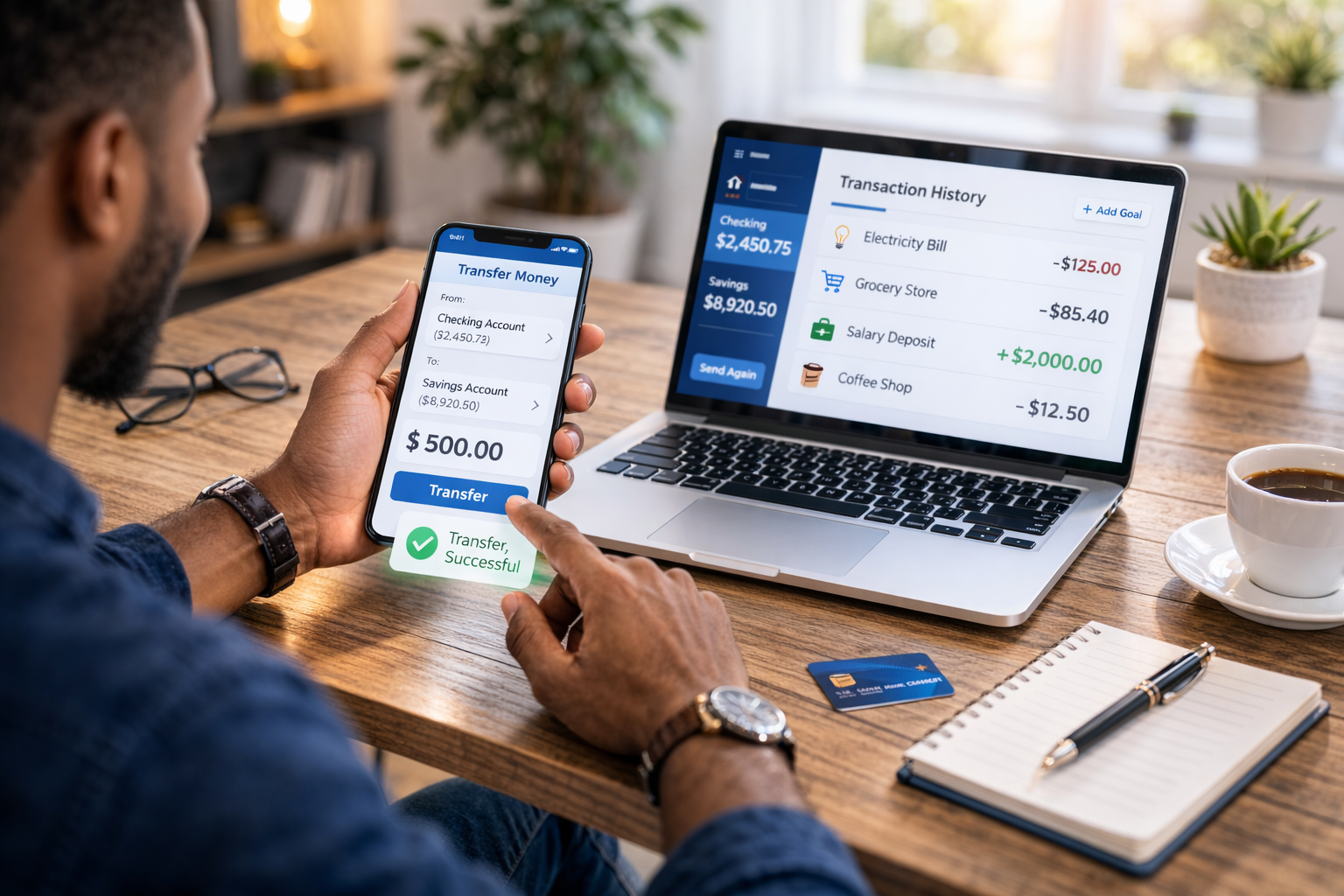
Fast transfers
Move money between accounts with real-time balance updates.
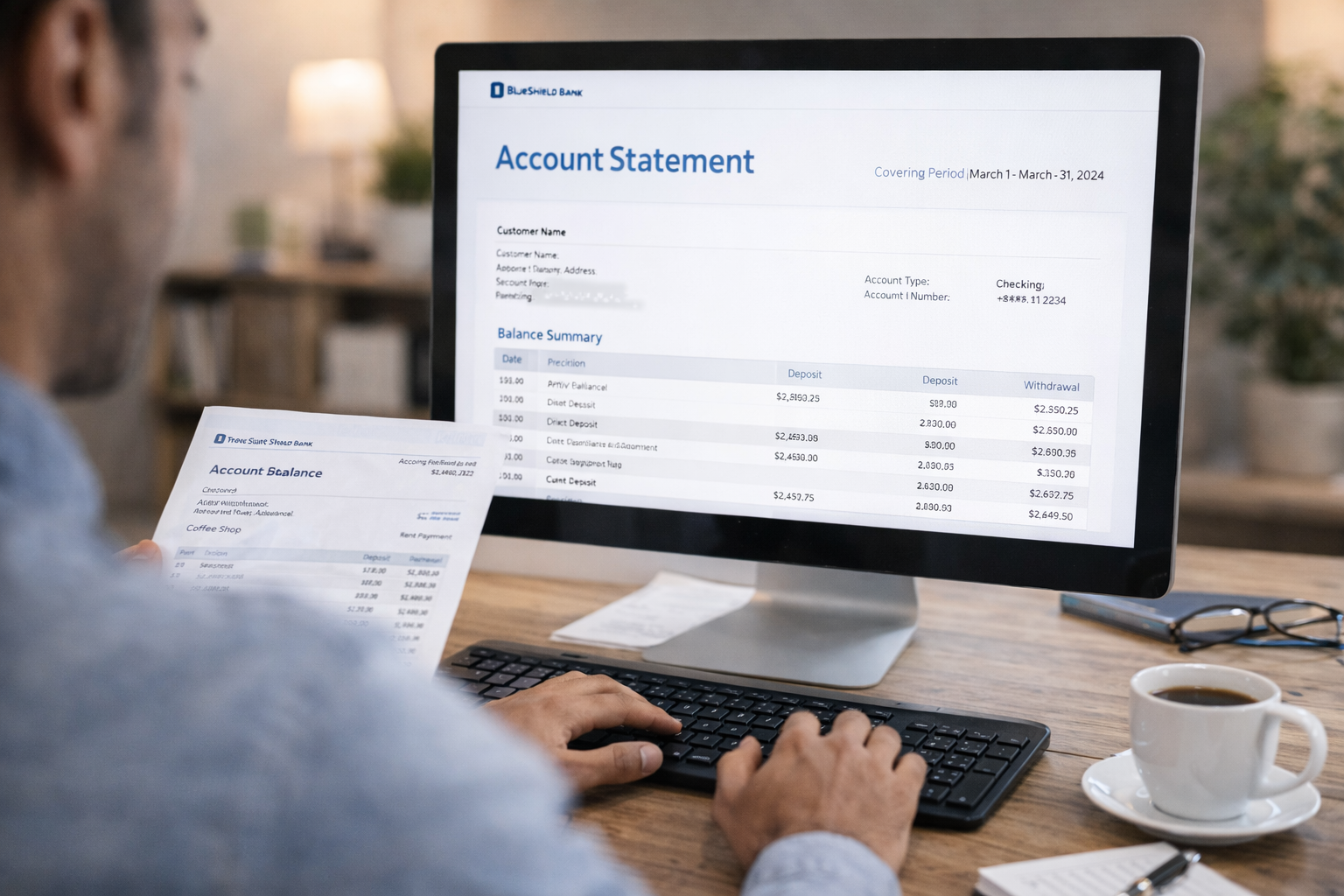
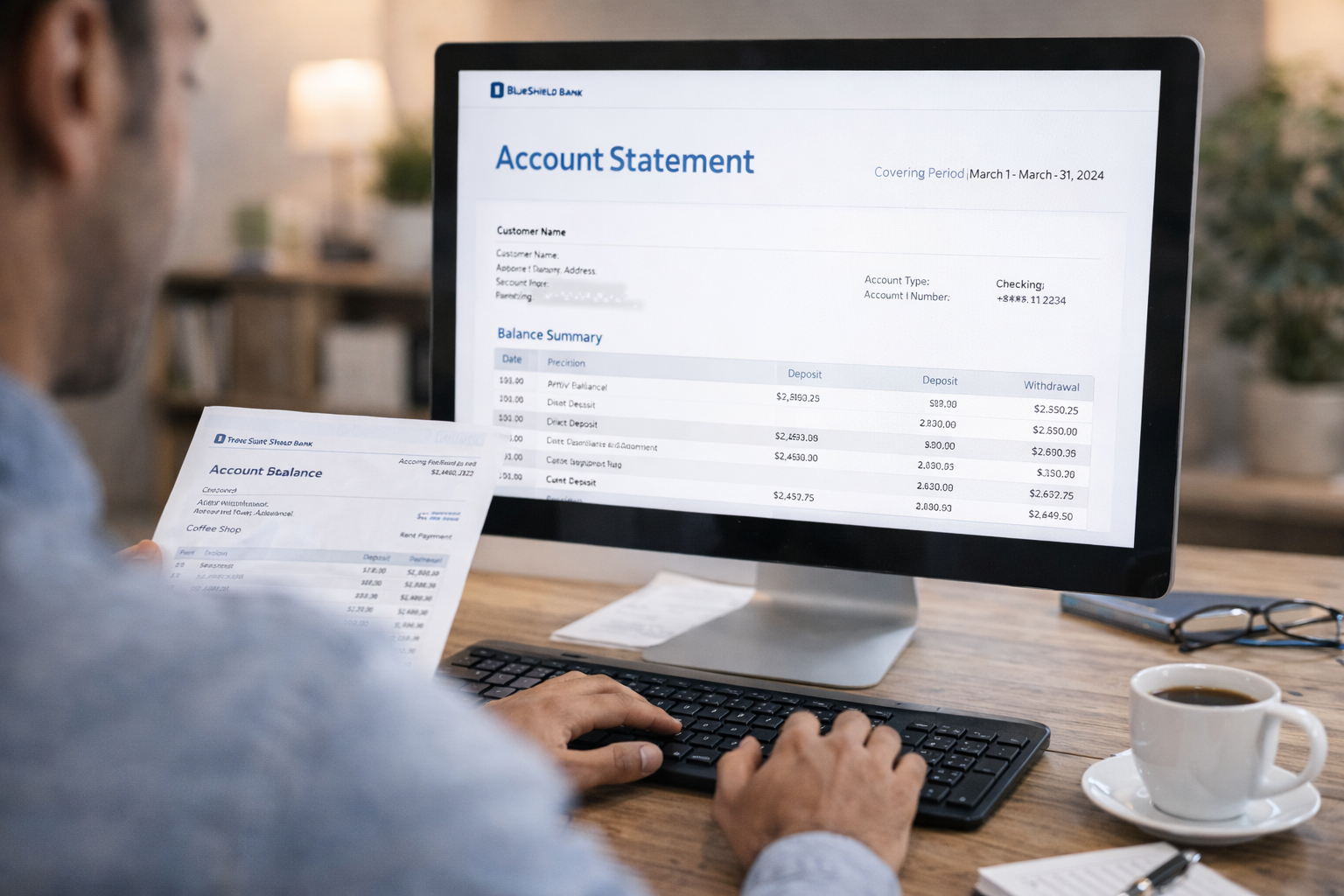
Account visibility
Detailed activity views and statements help you stay organized.
Customer support
Get help with account questions through secure support channels.
Why customers choose BlueShield Bank
Clear product choices, modern tools, and support designed for everyday needs.
Checking and savings built for daily activity.
Alerts, transfers, and account management tools.
Verification and account protections where it matters.
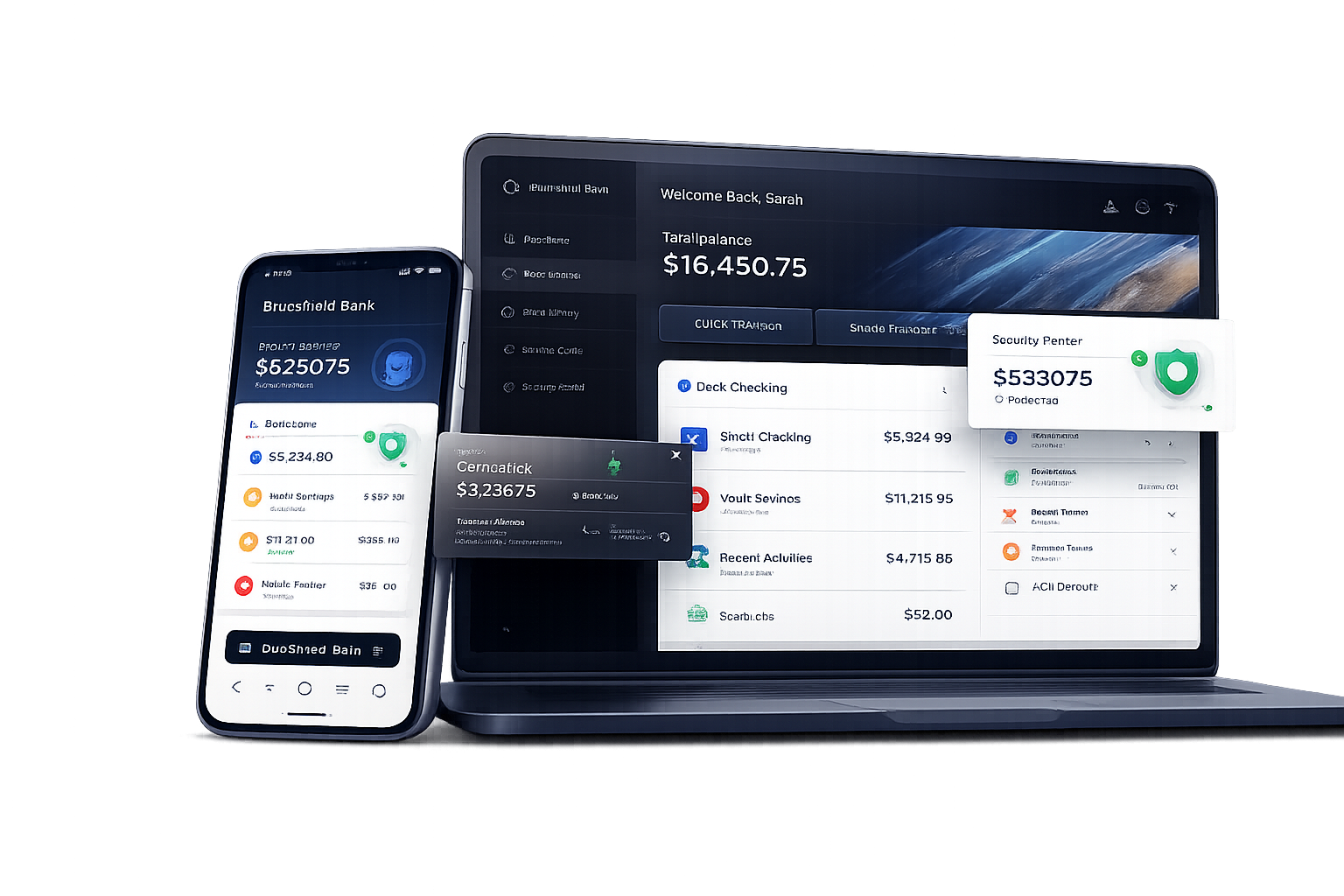
A connected experience across every screen.
Review balances, alerts, transfers, and statements with a modern digital experience.
Security tools that stay visible.
How to get started
A clear path from opening an account to daily banking.
Open an account
Complete the online application and verify your email.
Review account status
Accounts are subject to approval and eligibility.
Set up digital access
Sign on, set alerts, and review accounts.
Manage everyday banking
Transfer funds, pay bills, and track activity.
Featured FAQs
Are accounts subject to approval?
Yes. All accounts are subject to approval and eligibility requirements.
How do I sign on?
Use your email and password to access online and mobile banking.
Can I manage alerts?
Yes. Customize balance, transfer, and security alerts in digital banking.
How do transfers work?
Move money between your BlueShield accounts with real-time updates.
Where can I view statements?
Statements and account history are available in digital banking.
What security tools are available?
Use verification steps, alerts, and account controls to help protect access.
How do I contact support?
Send a secure message, use online support, or contact us for assistance.
Are fees listed clearly?
Yes. Review product disclosures and fee information before opening an account.
Open your account and take control of everyday banking.
Explore checking, savings, cards, borrowing, and digital banking in one connected experience.